Banish Lens Flare: How To Reduce Haze and Take Better Photos
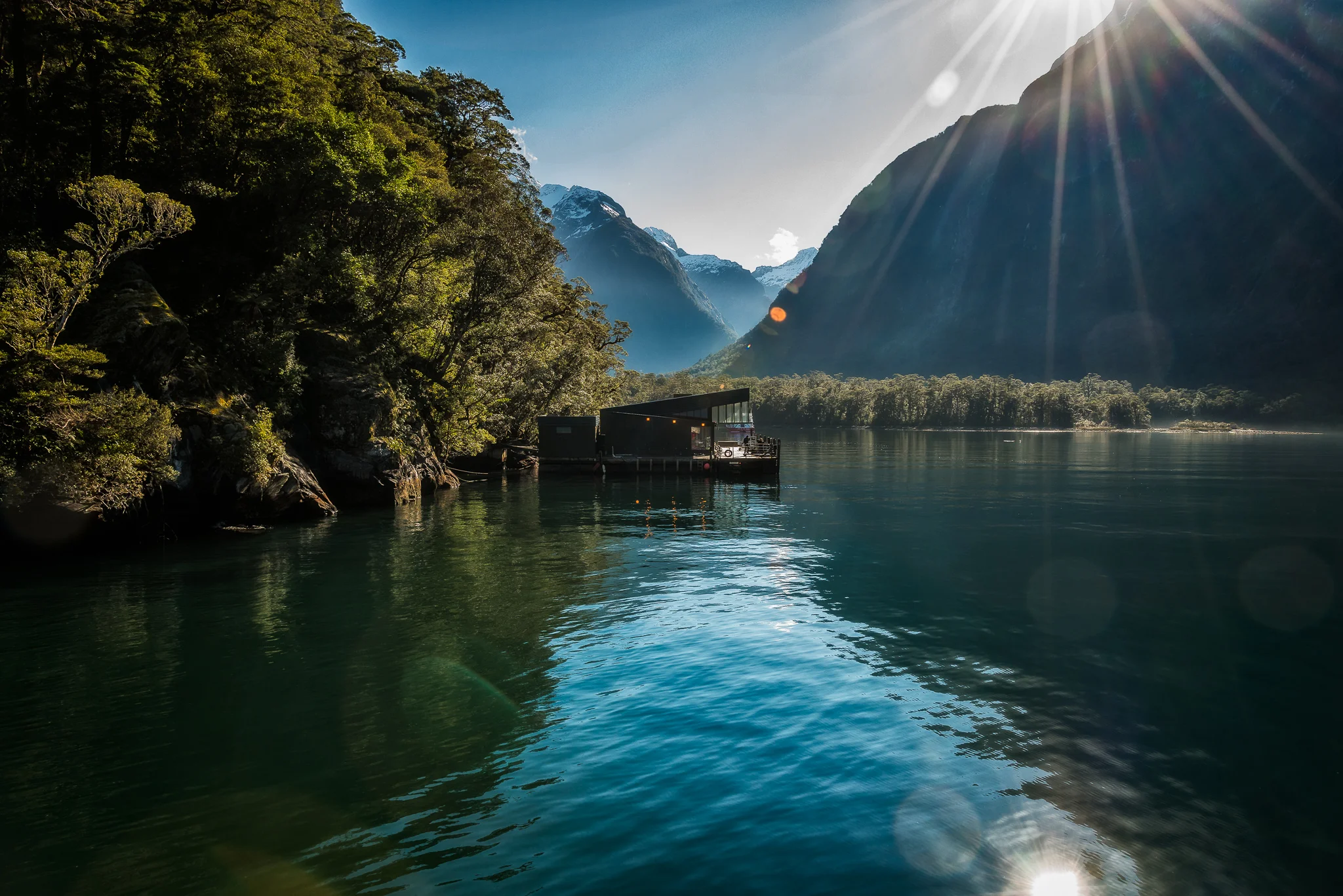
Lens flare diminishes the contrast, sharpness and color saturation of this photo.
This post features two, almost identical images. One has been adversely effected by lens flare while the other has not. Let’s explore that one point of difference separating a technically proficient photo from a failure, as well as what to do to prevent lens flare in your own photos.
Taking photos directly into the light causes lens flare as stray light bounces around a lens's internal glass elements resulting in reduced contrast, sharpness and saturation. To avoid lens flare, including starbursts and light streaks, shade the front glass element of your lens from direct light.
The two photos featured in this post were made, seconds apart, in the grounds of Peterhof Palace just outside of St. Petersburg, Russia.
It’s a simple scene, and nothing to write home about
However, it’s a great example of the adverse effects of lens flare and, I hope, an incentive for learning how best to avoid it to create better photos, more often.
Please read on to increase the success rate of your own photography.
Lens Flare: Forget About Fixing It After The Fact
Now let’s not confuse the issue by thinking about what some of us may or may not be able to do in applications like Lightroom or Photoshop to fix the problem of lens flare in our photos.
Not everyone has the applications in question, let alone the time or skill to resolve such issues on the desktop.
And, anyway, who has the time.
The only post processing that’s been done, other than a little bit of sharpening and resizing on export, is some perspective correction through the Lens Correction panel in Adobe Lightroom.
Those simple changes were made to both photos, which is important as I needed to ensure that, for the legitimacy of this post, we’d be comparing apples with apples.
Clearly, the image at the very top of this post suffers from pretty substantial lens flare.
Direct light has hit the front element of the lens resulting in the following:
A lack of dynamic range (i.e., contrast) resulting in a flat, lifeless image lacking dense blacks, open shadows and bright, textured highlights.
Desaturated color reproduction resulting in a visually lifeless image.
Significantly reduced sharpness resulting in a lack of detail, shape and visual separation throughout the photo.
It’s worth noting that these adverse effects of lens flare are accentuated by the fact that I’m photographing adjacent to a fountain and there’s plenty of moisture in the air.
Lens flare eliminated though the proper use of a lens shade/hood.
How To Reduce Lens Flare In Camera
Surely, it’s better to avoid lens flare in camera.
Knowing you’ve made a technically good image allows you to move onto other subjects or scenes with a degree of confidence, or to continue to explore the same one in a more creative and visually interesting manner.
How is it then that the image directly above displays none of the adverse effects of lens flare evident in the photo at the very top of this post?
The simply answer is because I took care to shade the front of the lens from direct light while making the photo.
It’s really that simple. But what a difference that simple action has had on the quality of the photo.
It’s undeniable!
Now compare the low contrast, colorless and unsharp photo appearing at the very top of this post with the superior levels of contrast, color saturation and sharpness in the image displayed above.
It’s important to note the technical differences between these two photos didn’t come about due to a better camera or lens, a change in shutter speed, aperture or iso.
The dramatically improved photo you see above was, quite simply, a result of me taking a moment to shade the front element of my lens while making the photo.
It’s far from a portfolio image, and it would certainly benefit from some extra post processing.
In particular I’d like to lighten the entire photo and add a lot more separation into the darker shadow areas within the image.
But doing so would have skewed the comparison between the two images.
I can live with the way the better of the two photos looks, in the context of this post.
However, at a later stage, I’ll reprocess the better photo, the one with the little boy in the foreground, to more fully realize it’s potential.
Reduce Lens Flare With This Simple Device
If you don’t have a lens shade/hood you really should buy one.
Just be sure to purchase the lens shade that’s designed specifically for the lens you use.
Using the wrong lens shade could cause vignetting, resulting in darkening in the corners of your photos.
It’s my practice to employ a lens hood every single time I make an image. And that’s true regardless of the weather, or whether I’m making photos indoors or outdoors, day or night.
From my point of view, failing to follow this practice is a big mistake.
While the first photo in this post showcases the adverse affects of lens flare very well, many images made without a lens hood suffer from low level lens flare.
Your images won’t look terrible, but may look flat, a little hazy and lacking in color saturation.
Sadly, most folks don’t realize that better results would be realized, without any kind of hocus-pocus, simply by adding a lens hood to the front of their lens each and every time they make a photo.
How to Minimize Several Lens Flare
When lens flare is significant you’ll likely get a preview of the flat, hazy and relatively colorless result when viewing the scene through the built-in viewfinder in a mirrorless or DSLR camera.
When photographing into particularly bright light the effect may be so extreme that sunspots or light streaks will appear.
In this case a lens shade may not be sufficient to combat extreme forms of lens flare.
Try putting your hand just in front of the lens shade to extend it’s range and place the front glass element of your lens into shade.
Just be careful, when doing so, that part of your hand doesn’t end up creeping into the composition of the photo you’re making.
If your camera is on a tripod you can use a larger device, light a cap or hat, in the same way with the added advantage of actually watching the shade cover the front of your lens as you move the hat into the optimal position.
Needless to say, because you’ll be slightly forward of the camera when following this procedure, you’ll need to be particularly careful that part of the cap or hat you use doesn’t end up in the photo.
Thank goodness for digital cameras. Just review your photo and, if there’s any problem, try again and again until you get it right.
If these tips don’t work for you, I have another one that I sometimes employ when photographing into very bright light.
I simply move into the shade of a tree or building which automatically puts the front glass element of my lens into shade.
If moving into the shade doesn't spoil your composition, then you should be happy with the better levels of contrast, sharpness and color saturation that’ll result by doing so.
Needless to say, turning around 180 degrees places the light behind you, eliminating lens flare.
Of course, doing so will produce a completely different composition which may or may not work as well for you.
The point is that, when it comes to reducing lens flare in your photos, there’s more than one way to skin the proverbial cat.
Depending upon the circumstances, one option should serve you well and get you out of trouble.
Now keep reading to the end of this post to get a more comprehensive understanding of lens flare and how best to reduce it in your photos.
Some Sports Are More Fun At Home, Alone
Have you ever made the mistake of going to a Football Grand Final day party where some nutter has decided to move the TV outside.
Sure, that’s where the BBQ is and the idea of watching TV outside on a beautiful sunny day sounds great. That is until you try to watch the game.
Yikes!
I did it once and almost immediately realized that folks were there to party and not to watch the game.
I left at quarter time and now only ever watch the footy on Grand Final Day at home on my own.
That’s because I want to actually watch the game and listen to the commentary. Particularly when my team is playing.
Call me crazy, but not on Grand Final Day, because the door will be locked and the blinds will be closed.
Normal home TV sets are simply not designed for outdoor use.
Likewise, there’s a reason why they turn the lights off when you watch a movie at your local cinema.
It’s the same reason why many folks choose to close the blinds when watching TV during daytime hours.
Why?
Because doing so shades the glass TV screen from direct light, improving the picture quality in the following ways:
More dense blacks providing richer colors and more defined shapes and textures.
Higher contrast which increases the perception of sharpness and three dimensional space.
Increased color saturation for a more dynamic viewing experience, particularly for sport and most movies.
If you’ve spent big money on a large screen TV you really should do one of two things.
Only watch it at night, with the room lighting turned way down, or, if you do watch it during daylight hours (and I won’t tell anyone if you do), shade the screen by closing the blinds and turning off overhead lights.
And I’m hoping you follow the same regime when using your computer, particularly when processing your precious digital photos.
Improving Image Quality In Your Photos
If you accept the above TV viewing recommendations, why would you not follow the same regime when taking photos.
Folks go on and on about wanting to get things right in camera. They seem to feel that, in doing so, the photos they make are, somehow, more authentic.
Well, one of the best ways to reduce the amount of image processing you do on the desktop is to employ a lens hood to shade the front glass element of your lens from direct light.
Just do it! It’s a simple, no fuss way to make better photos.


This is the best photography course in Melbourne. Learn photography, master your camera and realize your creative potential by making beautiful, life affirming images.
I’m Glenn Guy, an experienced teacher and owner of the Travel Photography Guru website and blog.
Here’s the private photography course that’s specially designed around your needs, your camera and the photos you most want to create.
How to Use a Lens Hood to Reduce Lens Flare
You know how dudes go around wearing a baseball cap on their head, with the peak of the cap turned around backwards?
Well, it might shade the back of their neck but, if you have the kind of skin I have, doing so would significantly increase the risk of a sunburned face.
Not only that but, by shading the eyes, the peak of the hat allows you to see the world around you more clearly.
Interesting, and if that’s true for your eyes, it must also be so for your camera’s lens and light meter.
By the way, did you know how a lens hood can be reverse mounted onto the front of your lens so that it doesn’t protrude outwards?
It’s designed that way for storage purposes so that the whole ensemble (camera, lens, lens hood) will better fit into your camera bag.
But when making photos, there’s actually no value in having a lens hood fitted to your camera’s lens unless it’s turned around and points outwards to shade the front glass element of the lens.
Just thought I should mention it, as rarely a week goes by when I don’t see folks out and about making photos with the lens hood mounted, in storage mode, on their lens.
Time to call the lens hood police on that one.